Arcane Rust
$4.99
- Supported CPU: Intel + AMD
- Supported Windows Version: 10 - 11
Adjustable targeting with hitbox control.
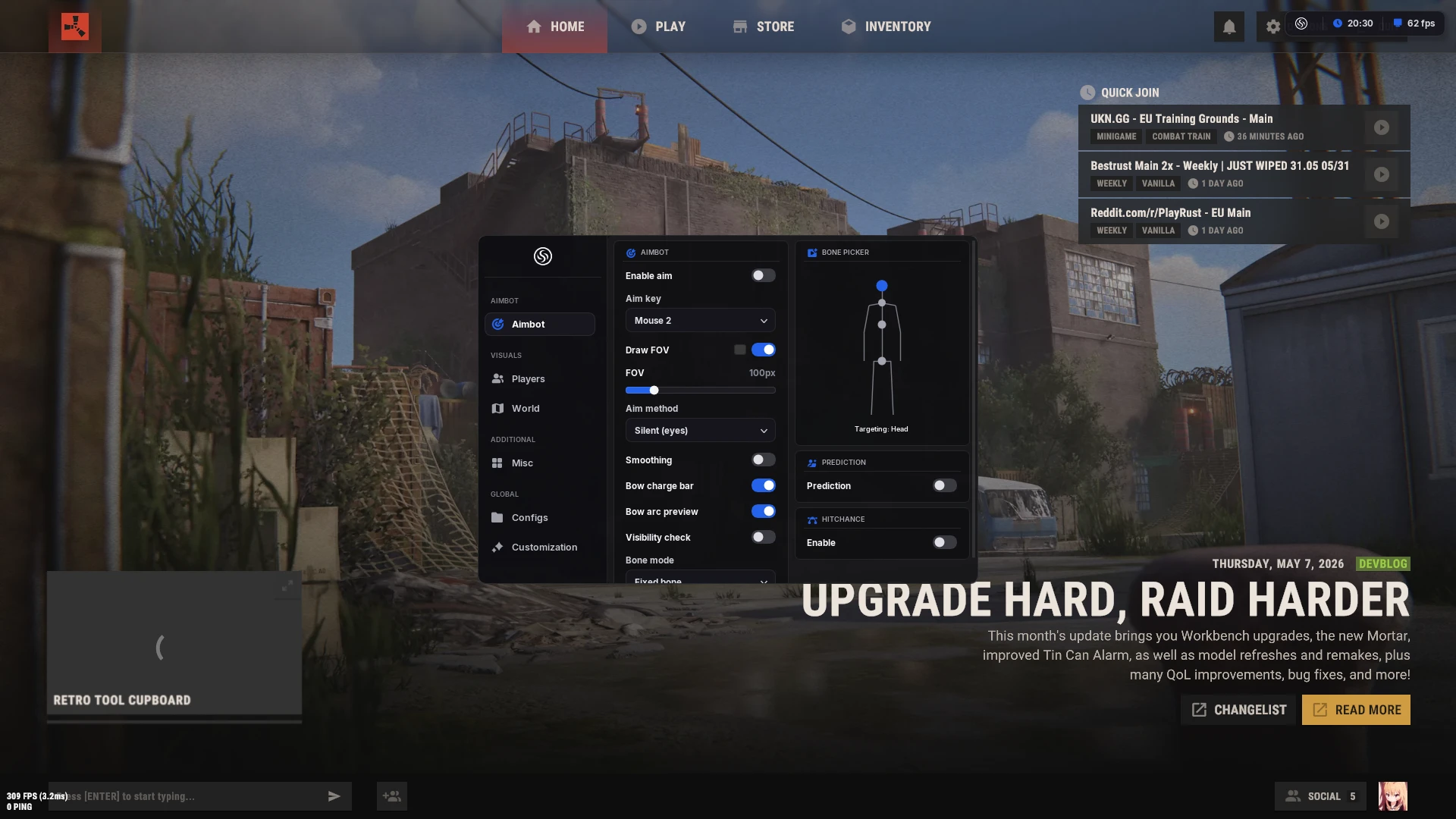
- Enable Aimbot – enables or disables the aimbot
- Aim Always – keeps the aimbot active without holding a key
- Aim Key – allows binding two keys for aimbot activation
- Aim Type (Silent / Vector) – select aimbot aiming method
- Vector Aimbot – simulates human-like mouse movement
- Silent Aimbot – hits targets without moving the crosshair or camera
- Prediction – predicts target movement for higher accuracy
- Visible Check – targets only enemies in direct line of sight
- Target Bots – allows targeting NPCs and bots
- Target Teams – allows targeting squad members
- Target Knocked – targets knocked-down players
- Max Distance – maximum target search range
- FOV – size of the aimbot active area
- Hit Chance – chance for aimbot to hit the target
- Draw FOV Border – displays the FOV circle outline
- Draw FOV Background – displays filled FOV circle
- Draw FOV Target – highlights the active target inside FOV
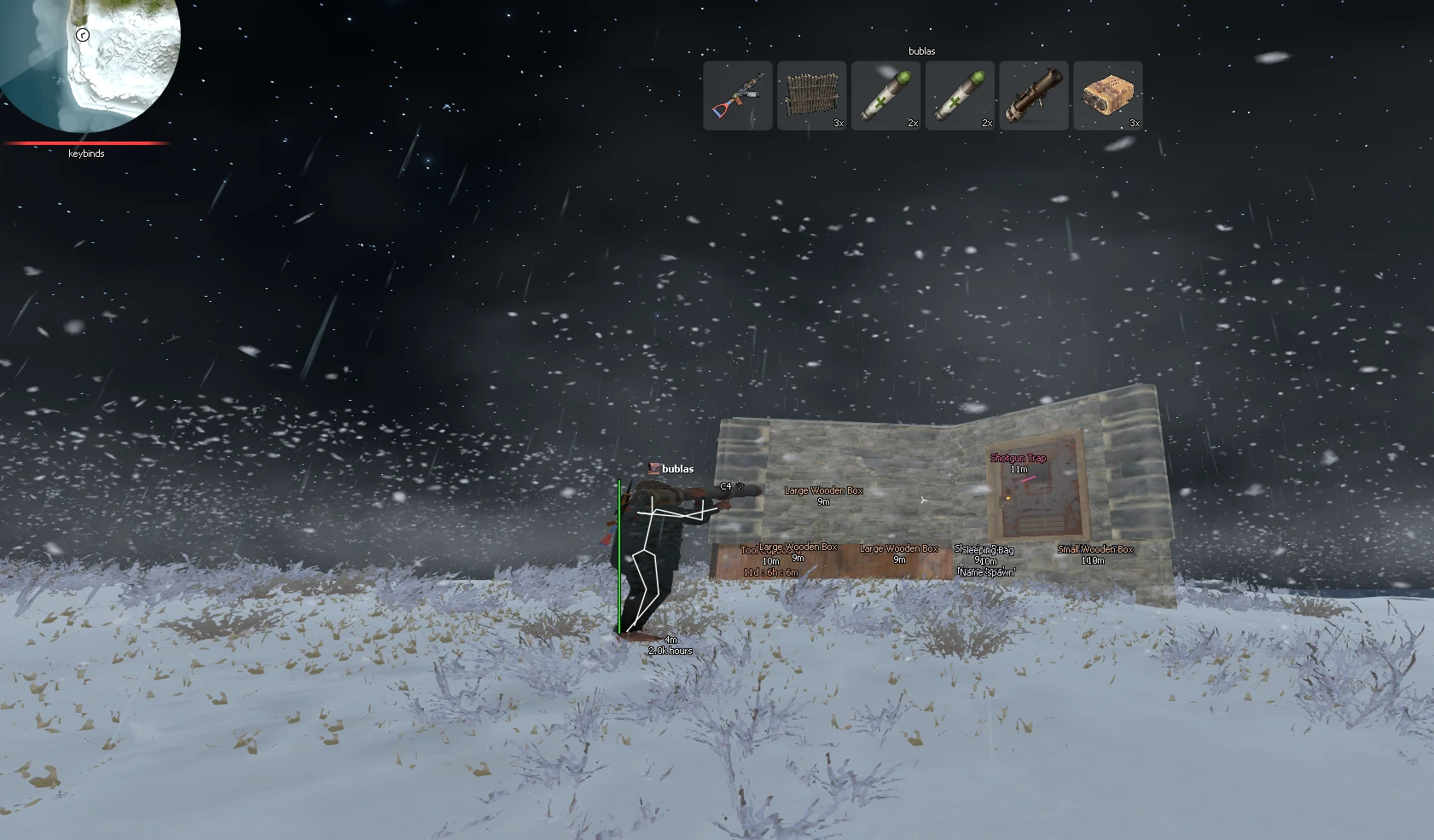
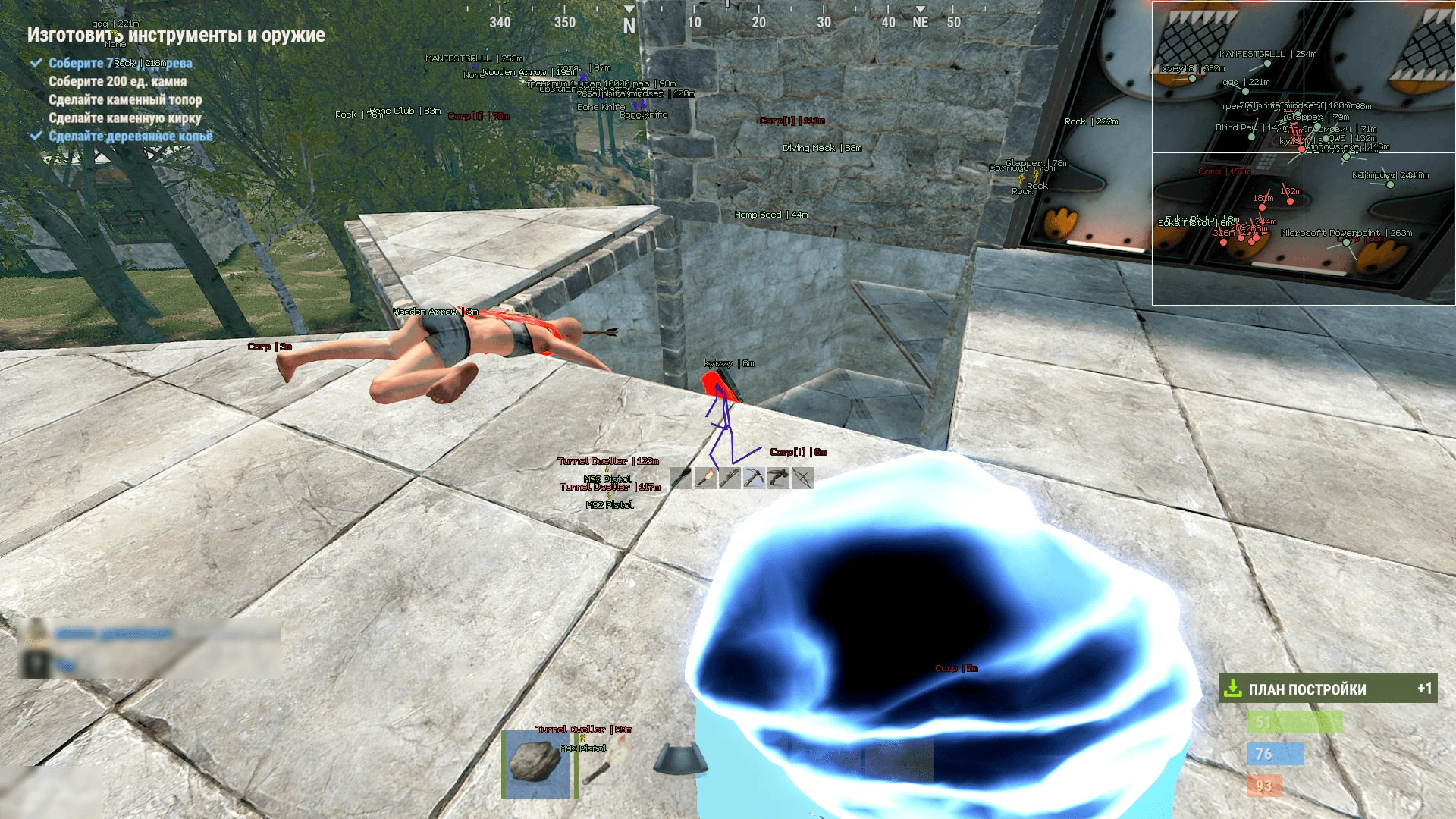
- Box – enables ESP boxes around players
- Box Background – displays box background
- Box Filled – box fill style (solid / gradient)
- Box Style – full box or corner box
- Visible Check – different colors for visible and hidden players
- Bots – displays bots and NPCs
- Teams – displays squad members
- Knocked – displays knocked players
- Sleepers – displays sleeping players
- Distance – distance to the target
- Nickname – displays player nicknames
- Weapon in Hands – shows weapon currently held
- Snaplines – lines drawn from you to targets
- View Line – shows player view direction
- Inventory – displays quick-access inventory items
- Max Distance – maximum ESP render distance
- Items ESP – displays items and world objects
- Name – displays item names
- Distance – distance to objects
- Dropped Items – loot lying on the ground
- Crates – loot crates and containers
- Resources – wood, ore, grass, and other resources
- Traps / Turrets – all traps, snares, and turrets
- Corpses – player corpses
- Animals – animals on the map
- Food Plants – mushrooms, corn, pumpkins, etc.
- Vehicle – vehicles
- Deployable Objects – cabinets, boxes, workbenches, etc.
- Siege Weapons – base siege devices
- Filters – extensive object filtering system
- No Sway – disables camera sway
- No Spread – removes bullet spread
- No Recoil – disables weapon recoil
- Spider Man – wall climbing ability
- Insta EOKA – instant EOKA firing
- Force Automatic – automatic fire for semi-auto weapons
- Any Stance Shoot – shoot from any stance
- Super Zoom Scope – extreme zoom functionality
- FOV Changer – modify camera field of view
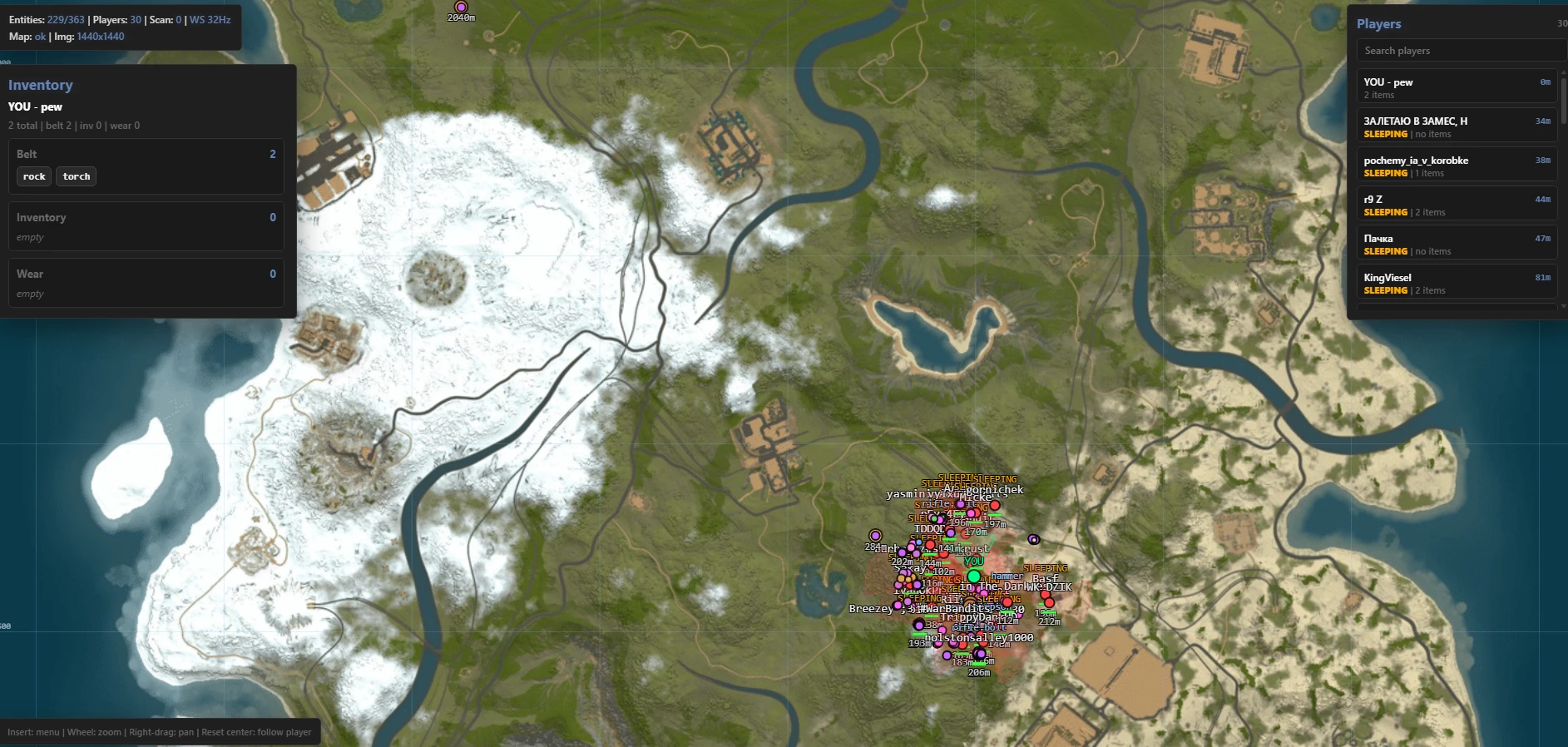
- Radar – separate radar window for player tracking
- Thick Bullet – increases bullet hitbox size
Configuration management and overlay controls.
- Friend & Enemy List – advanced friend/enemy ESP management
- Battle Mode – disables all ESP except player ESP (keybind)
- Crosshair – customizable static crosshair
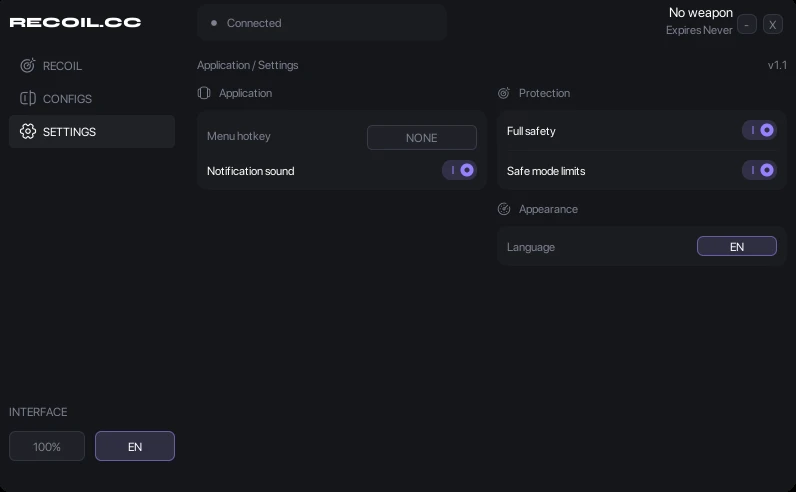
- CFG System – save, load, and share configurations
- StreamProof – hidden on screenshots, videos, and streams
- Language (Russian / English / Chinese) – supported menu languages
What is Arcane Rust for Rust?
Arcane for Rust is the option to look at if you play more than one game. The same provider covers Apex, CS2, ARC Raiders, Palworld and others, so a single subscription follows you between titles rather than leaving you to buy again each time your group moves on.
On Rust itself it covers the same ground any serious external needs: player and resource ESP, sleeper awareness, and recoil control. What differs is the breadth behind it, not the Rust feature list.
ESP and information
- Player ESP with distance
- Sleeper and base awareness
- Ore and resource node ESP
- Trap and turret indicators
Aim assistance
- Recoil control tuned per weapon
- Configurable aimbot with visibility checks
- Field-of-view limiting
Detection risk and anti-cheat
External build, so it stays outside the game process and clear of the injection checks EAC applies to loaded modules.
Rust bans in waves around forced wipes. Being on a multi-game provider does not change that — check the status for the Rust build specifically, not the provider as a whole.
A shared licence across games means one detection can pull your attention to the wrong product. Confirm which title is actually flagged before assuming your Rust build is affected.
Live detection status for every product is on the status page, and how detection actually works is covered in our anti-cheat explainer.
System requirements
- Windows 10 or 11, 64-bit
- Secure Boot disabled
- Steam copy of Rust
- Administrator rights to launch the loader
When to choose Arcane Rust
- You play several of the games this provider covers and want one subscription
- You want a solid external without needing Rust-specific specialisation
- You switch games with a group and do not want to rebuy each time
When something else is the better buy
- Ancient External is the more Rust-focused option if Rust is the only game you play.
- Stealth is a different developer again — worth knowing when Arcane is marked Updating.
Frequently asked questions
Does one Arcane licence cover every game?
Coverage depends on the plan you buy. Check the variant you are purchasing rather than assuming a single key unlocks the whole catalogue.
Is Arcane detected on Rust right now?
Status is per-product and per-game. The live status on this page comes from our supplier feed automatically — check it before you play.
How does it compare to Ancient External?
Similar external feature sets from different developers. Ancient is Rust-focused; Arcane spans several games. The practical value of knowing both is that they are rarely detected at the same time.